Market Entry
Sri Lanka Office Network and Access Control Sequence
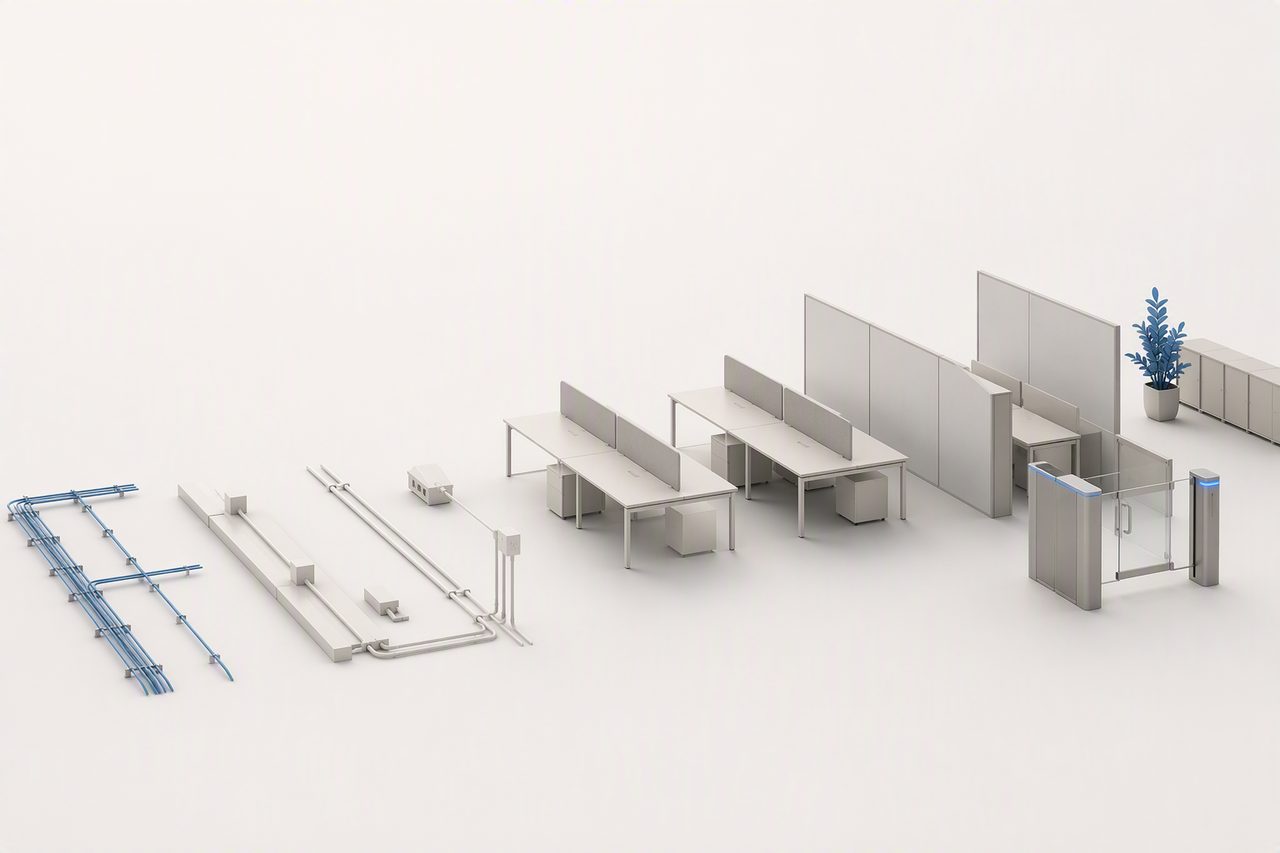
Receiving the keys to an office does not mean employees can start working there. To avoid having the first employees arrive without network access, workstations, power points or access permissions, arrange each delivery item into a readiness checklist based on dependencies.
This checklist is not intended to replace the work of the building manager, internet provider or specialist suppliers. Its purpose is to make clear who confirms each condition, who performs the work, and what status is required before the next step can begin. For teams managing a Sri Lanka office from overseas, it can also reduce the gap between “arranged” and “ready to use”.
Define “ready to operate” before “office handover”
At the start of the project, set an internal standard for when the office is ready to operate. This standard should reflect the actual working needs of the first employees, rather than whether fit-out work is complete, furniture has arrived, or the landlord has handed over the keys.
An office that is ready for use will generally need to meet all of the following conditions:
- Employees can enter the office area, and visitor access rules are clear;
- Work areas, meeting areas and necessary storage areas have usable workstations;
- Each initial role has access to usable power, network connectivity and required equipment;
- The network can support routine business systems, video calls and internal communication tools;
- Responsibilities for power use, common areas and dedicated areas have been confirmed;
- Building requirements relating to fire safety, property management, fit-out work, equipment delivery and visitor handling have been checked with the relevant parties;
- Keys, access cards, administrator permissions and emergency contacts have been handed over;
- The responsible person has completed an on-site test and retained an issue list and acceptance record.
The focus should be whether the first roles can perform their work. For example, sales support, customer service, finance and administration, and technical roles may have different requirements for connectivity, privacy, equipment placement and access permissions. Do not purchase based only on headcount and then work backwards to determine what each role needs.

Manage four delivery areas by dependency
Network, power, furniture and access control can progress in parallel, but they are not independent of one another. A practical sequence is: confirm site conditions, implement infrastructure, bring in equipment and furniture, configure permissions, then conduct on-site testing.
Step 1: Confirm the site and building conditions
Before suppliers enter the premises, have the office lead coordinate confirmation of the following points:
- Which areas within the leased premises can be used, and which are common or restricted areas;
- Whether cabling, drilling, equipment installation, additional partitions or furniture changes are permitted;
- Delivery entrances, loading arrangements, goods lift use and on-site registration requirements;
- Whether network lines, low-voltage points, power outlets and equipment locations match the floor plan;
- The building’s requirements for working hours, noise, waste removal, contractor identification and safety management;
- Contact and escalation routes among the property manager, landlord and suppliers in case of power loss, network failure, water leakage or access-control issues.
This stage should produce an internally approved floor plan. At a minimum, it should show the number of workstations, meeting table locations, printing or equipment areas, router and cabling locations, access-control points, storage areas and furniture that may affect movement through the office. Purchasing before a floor plan is available often leads to furniture blocking power points, cabling that cannot be concealed, or access-control equipment that does not fit the door conditions.
Step 2: Lock down network and power implementation conditions first
Network and power arrangements often determine whether an office can genuinely begin operations. They should therefore be checked on site before large volumes of furniture are brought in. The project lead should separately confirm with the building manager, network provider and relevant technical suppliers: existing conditions, the permitted scope of work, required on-site support, and who will participate in acceptance testing.
For network arrangements, do not ask only whether installation is possible. Confirm which systems the first employees will use, whether fixed workstation connections are needed, which areas require wireless coverage, whether the meeting area needs stable connectivity, and who will administer the network. Internal IT or information security personnel should be involved where head-office systems, customer data or remote access are concerned.
For power, focus on the actual equipment list: employee laptops, monitors, printing equipment, meeting equipment, network devices, pantry equipment and other business equipment. Confirm where each item will be located and who is responsible for sockets, cabling and protective arrangements. Questions concerning backup power, building power arrangements or equipment load should be checked with the property manager and specialist suppliers based on the actual office conditions, rather than assumed from experience in another office.
Step 3: Turn furniture purchasing into a role-based configuration sheet
Furniture is not simply a procurement exercise for desks and chairs. It is part of the working setup for the initial team. Map each role to a defined set of requirements, including workstation, chair, storage, monitor support, document storage, meeting needs and permissions for shared equipment.
The following table can be used as a basis for internal purchasing and acceptance:
| Category | Items to confirm | Completion indicator |
|---|---|---|
| Workstations | Number of initial roles, desk and chair specifications, outlet locations, circulation space | Every confirmed role has a usable workstation |
| Meeting area | Meeting table, screen or video equipment location, network and power requirements | A basic internal meeting can be tested |
| Storage area | Storage needs for documents, samples, equipment and personal items | Responsible persons and use rules are defined |
| Shared equipment | Location of printing, scanning, drinking water or other shared facilities | Equipment can be connected and has an assigned owner |
Before purchasing, also confirm furniture dimensions, delivery routes, installation responsibility and packaging removal arrangements. For storage used for customer records, finance documents or personnel files, first determine who should have access, then decide on the appropriate lock, key or permission management method.
Step 4: Configure access control, keys and visitor rules last
Access control should be completed before employees begin regular office work, rather than added only after entry and exit problems occur. At a minimum, establish an access list showing which areas may be entered by office administrators, initial employees, cleaning or property personnel, external suppliers and visitors, as well as who may add, remove or temporarily change permissions.
During the access-control handover, record the following:
- Who holds keys, access cards, passwords or administrator accounts;
- Who will retrieve or remove permissions when an employee leaves, changes roles or a supplier’s service ends;
- Whether visitors need to register, be accompanied or make appointments in advance;
- How internal approval and building communication will be handled for after-hours access;
- Who on-site personnel should contact when access control fails, and how incident records will be retained.
Once access control is configured, do not rely only on confirmation that equipment has been installed. Different roles should test it in practice: employees should test entry, administrators should test permission management, visitors should be received according to the rules, and there should be a clear response path for emergencies.
Use a responsibility matrix to avoid assumptions
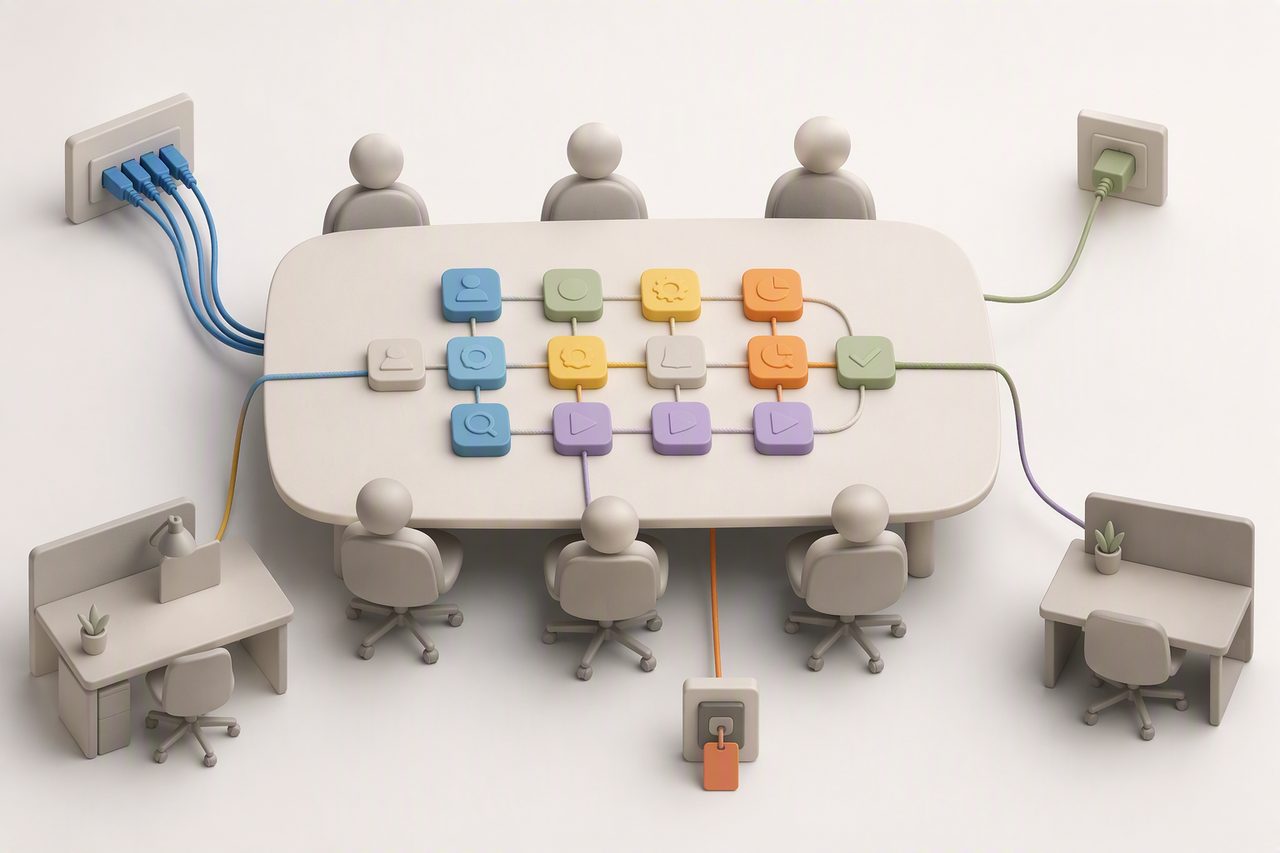
The part of office delivery most likely to lose control is often not a technical task, but fragmented responsibility. Appoint one office delivery lead and define, for every item, the person requesting it, the party performing it, the person confirming it and the final decision-maker.
For example, the business lead confirms the initial roles and working model; the office lead coordinates the building manager, furniture and site access; the IT lead confirms network, equipment and system-access requirements; the administration or HR lead prepares employee onboarding items and notices; and the finance lead handles contracts, procurement and payment documents under internal procedures. The landlord, building manager, network provider and furniture supplier provide services according to their respective contracts and site conditions.
Each project update should distinguish between three statuses: requested, arranged and accepted. An item should be marked as accepted only after on-site testing and confirmation by the responsible person. Photos, floor-plan versions, equipment lists, handover records and fault-test results should be stored in a location accessible to both the overseas head office and local team.
Run a “simulated workday” before employees arrive
Before the official launch, an on-site simulation is more useful than reviewing installation progress alone. Ask the people involved in the test to enter the office, connect to the network, use the meeting area, print a document, access shared equipment, receive a visitor and leave the office. Record every point that prevents or delays these actions.
After testing, prioritise issues by impact: items that prevent initial employees from working should be resolved first; items that affect efficiency but do not prevent launch can be listed for later improvement; and items with unclear ownership should first be assigned to a coordinator with a defined next action. This shifts office delivery from asking whether suppliers have attended the site to asking whether the team has the conditions needed to begin work.
Office preparation should also progress alongside planning for initial roles, personnel records and work equipment. Related reading: “How to Prepare Payroll, EPF and Personnel Records Before Your First Employee Starts” and “How to Sequence Initial Hiring in Sri Lanka: Address Launch Bottlenecks Before Expanding the Team”.
This content is provided for general information only and does not constitute legal, tax or immigration advice. Specific requirements should be confirmed against the latest guidance from relevant Sri Lankan authorities and appropriately licensed professional advisers.
FAQ
- Should network, furniture or access control be completed first?
- Confirm site conditions, cabling locations and power outlets first, then arrange network implementation and equipment installation. Furniture can be purchased in parallel based on the floor plan, but it should not obstruct cabling, equipment installation or on-site testing. After access-control equipment is installed, permissions must still be configured and tested in practice.
- The office already has network outlets. What else should we check?
- Confirm whether the outlets cover the actual workstations and meeting area, who will manage the network, whether the systems used by the initial employees can connect properly, and who will coordinate if a fault occurs. Internal IT or information security personnel should be involved where head-office systems, customer records or remote access are involved.
- The furniture has arrived, but employees still cannot work. What is commonly missing?
- Common gaps include no usable power near workstations, untested network connectivity, equipment not yet installed, access permissions not configured, shared equipment without an assigned owner, or unresolved building coordination matters relating to equipment delivery and use. Conduct a simulated test based on actual role activities rather than checking only whether furniture has been delivered.
- How can an overseas head office confirm that the local office is genuinely ready to launch?
- Ask the local lead to provide a single readiness checklist, the latest floor plan, site photographs, equipment and access handover records, and simulated workday test results. Project status should clearly distinguish between “arranged” and “accepted” so that completion is not assessed solely on verbal supplier updates.
Related reading

Market Entry
First Import into Sri Lanka: Choosing Incoterms Without Misaligning Costs and Responsibilities
Market Entry
Costing a Sri Lanka Factory: Energy, Logistics, Labour and FX

Market Entry
Before You Lease a Factory in Sri Lanka: Verifying Flood Risk, Drainage Responsibility and Downtime Plans
Need this applied to your case?
Tell us your team size, industry and timeline — we will map the actual path for your project.
Contact us